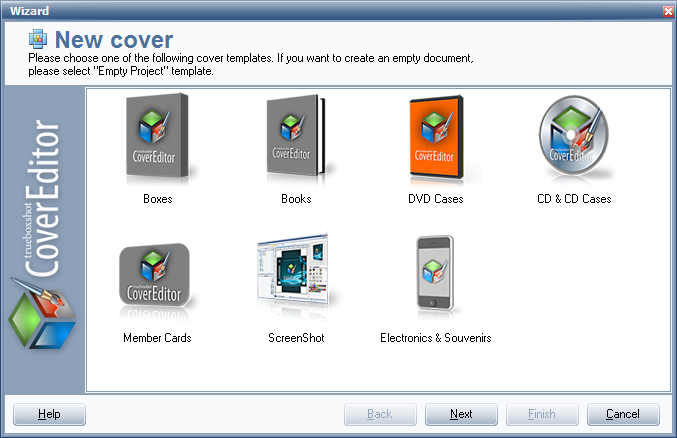
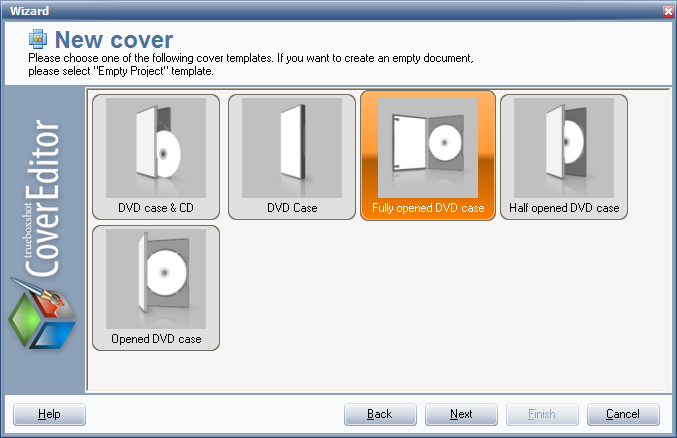
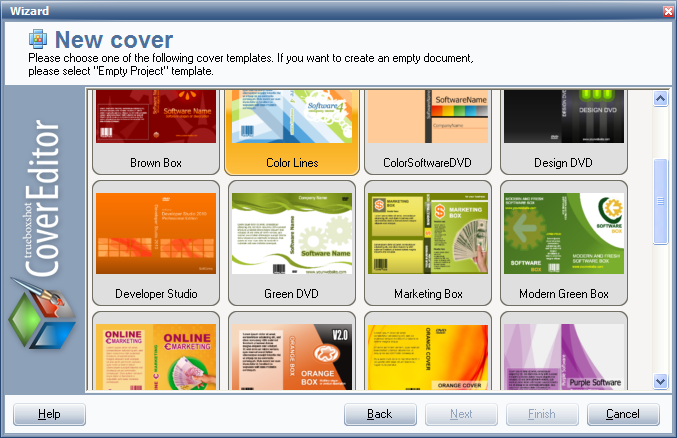
TBS Cover Editor offers a wide collection of free professionally designed classic or Vista-style box shot, DVD case, card, CD, gadgets, and book cover templates.
Use Wizard to select a suitable template and easily get started with a new almost ready cover design.
Text layers in templates are marked with tags (styles) that will be substituted with your product details (name, company, URL, version, etc.) entered in Wizard.
So, by using templates you may create a professional looking box shot or cover for your product literally in minutes. You must just adjust some text positions, insert your logo or, for example, change the color theme and your 3D box shot, CD, card or book cover gets ready for rendering.
Creating your own templates
If you have a product line then having a similar design for all product box shots or covers is a great idea. With TBS Cover Editor you may create your own templates and later reuse them for fast creation of new covers with the same corporate design.
Creating a new template is just the same process as creating a new cover shot. The only difference is that you must assign styles to the text layers to later insert real information (name, company, URL, version, etc.) in these text layers.
Once your template is ready you must Save project as template to add it into a template collection. The new template will be saved in a template folder and will be available in the Wizard.